🎟️ Use code v4sale for 30% off | Students use v4student50 for 50% off
5000+ PBR Materials
After crossing a major milestone with the V4 update of our 5000+ PBR MEGA Asset Browser, we've decided to give back to the community that made it all possible!
We’ve drastically reduced prices on Superhive to make the product even more accessible and support Blender Donations as well.
Get your free gift on Gumroad
5000+ MEGA PBR BROWSER
Ready For Blender
Beginners/Students/Professionals
Boost Your Creativity with Real Textures
BIGGEST BLENDER BROWSER
BIGGESST UPDATE (V4)
5000+ PBR MATERIALS
ASSET BROWSER
This is Blender Biggest Material Library ever provided on Blender Market Comprising of 5000+ PBR Materials . This Asset Browser allows you to apply complex materials with Just Drag & Drop (No addon Installation required). You no longer need to spend hours playing with nodes to get your hands on high quality 3D materials. Everything Easy.
Catalog vise categories
All Materials Are Added to Catalogs as Per Category so that required Material can be found Easily
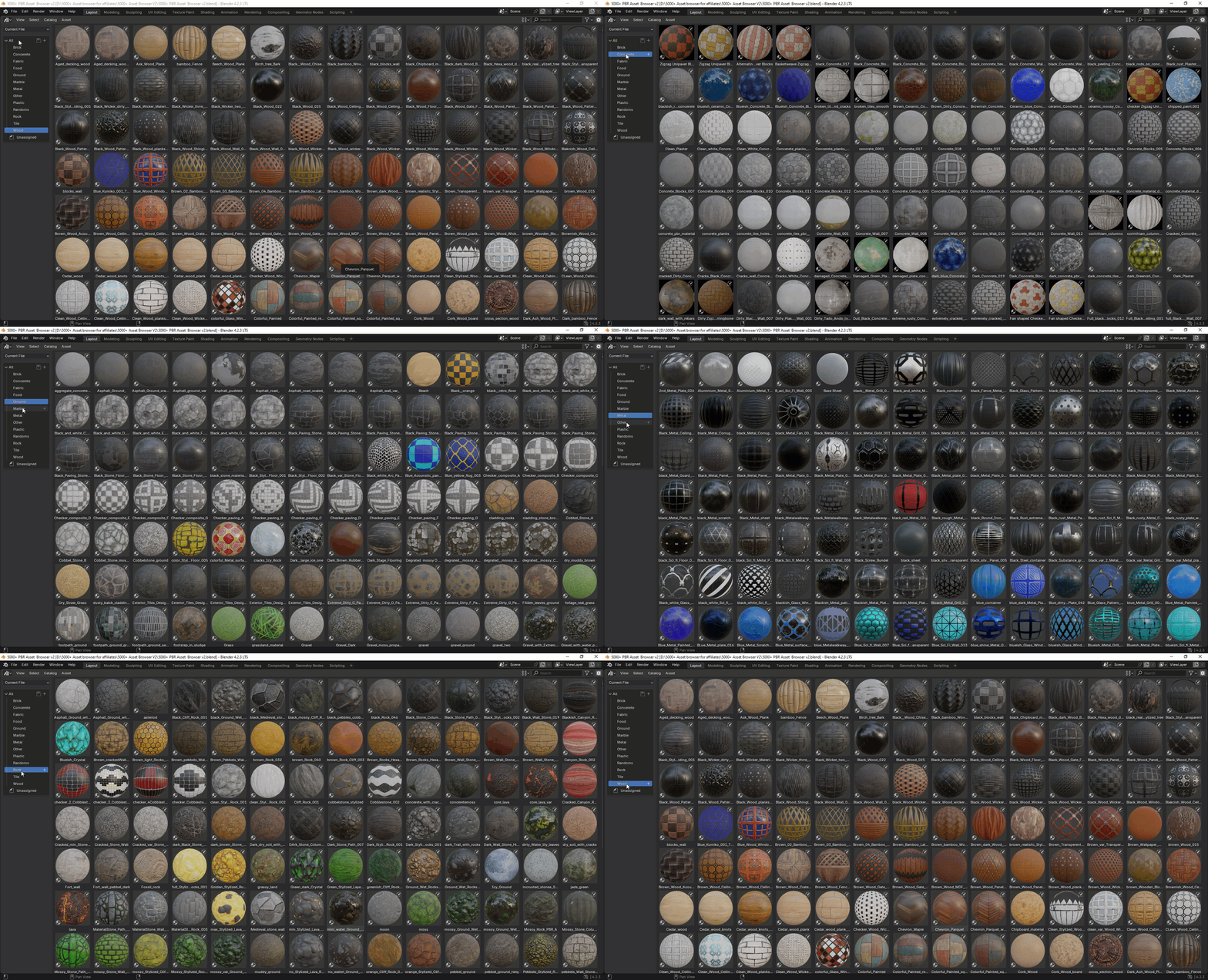
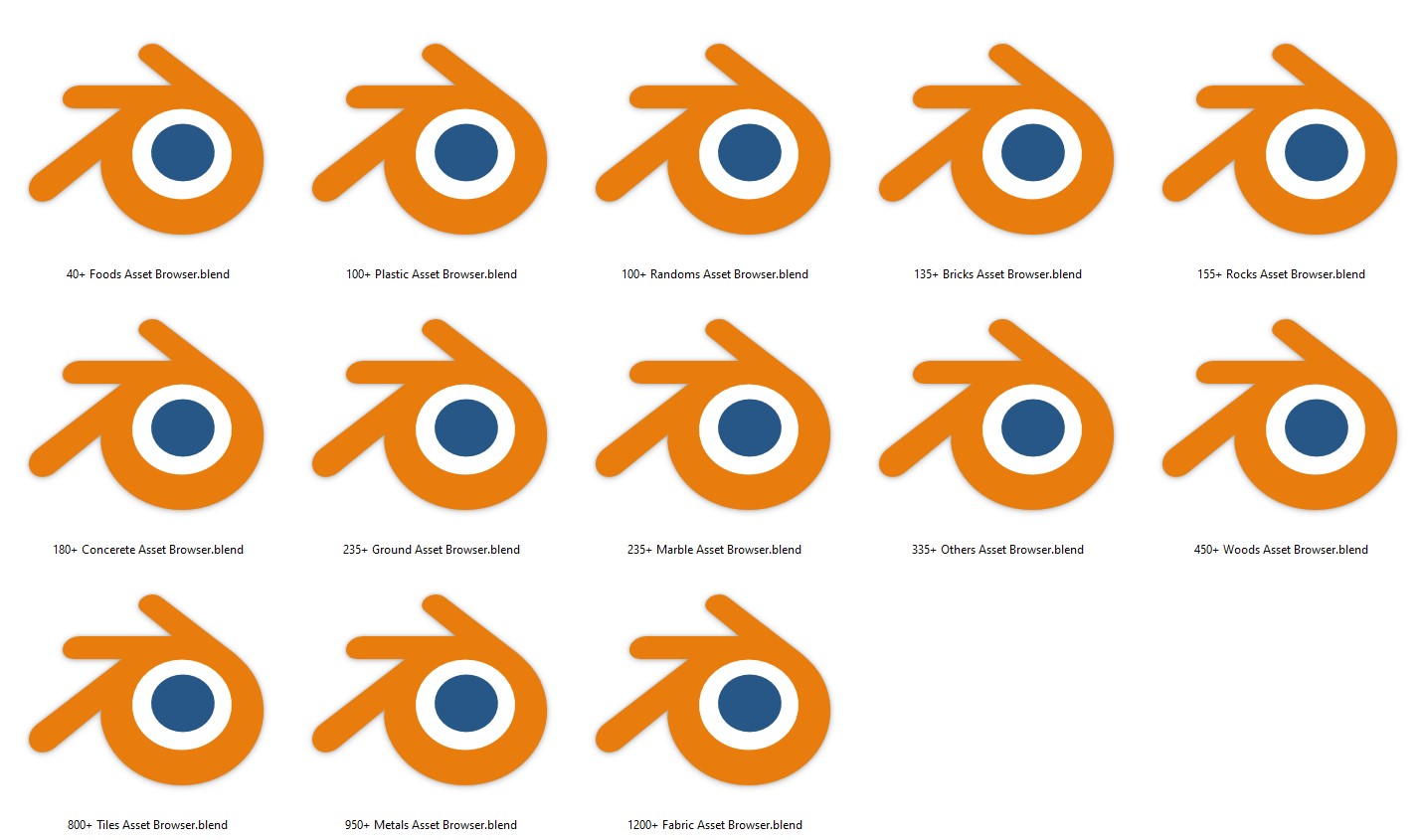
CATAGORY WISE BROWSERS
Keep your PC running faster and smoother by loading only the material categories you need—no unnecessary files, just an efficient and seamless workflow!
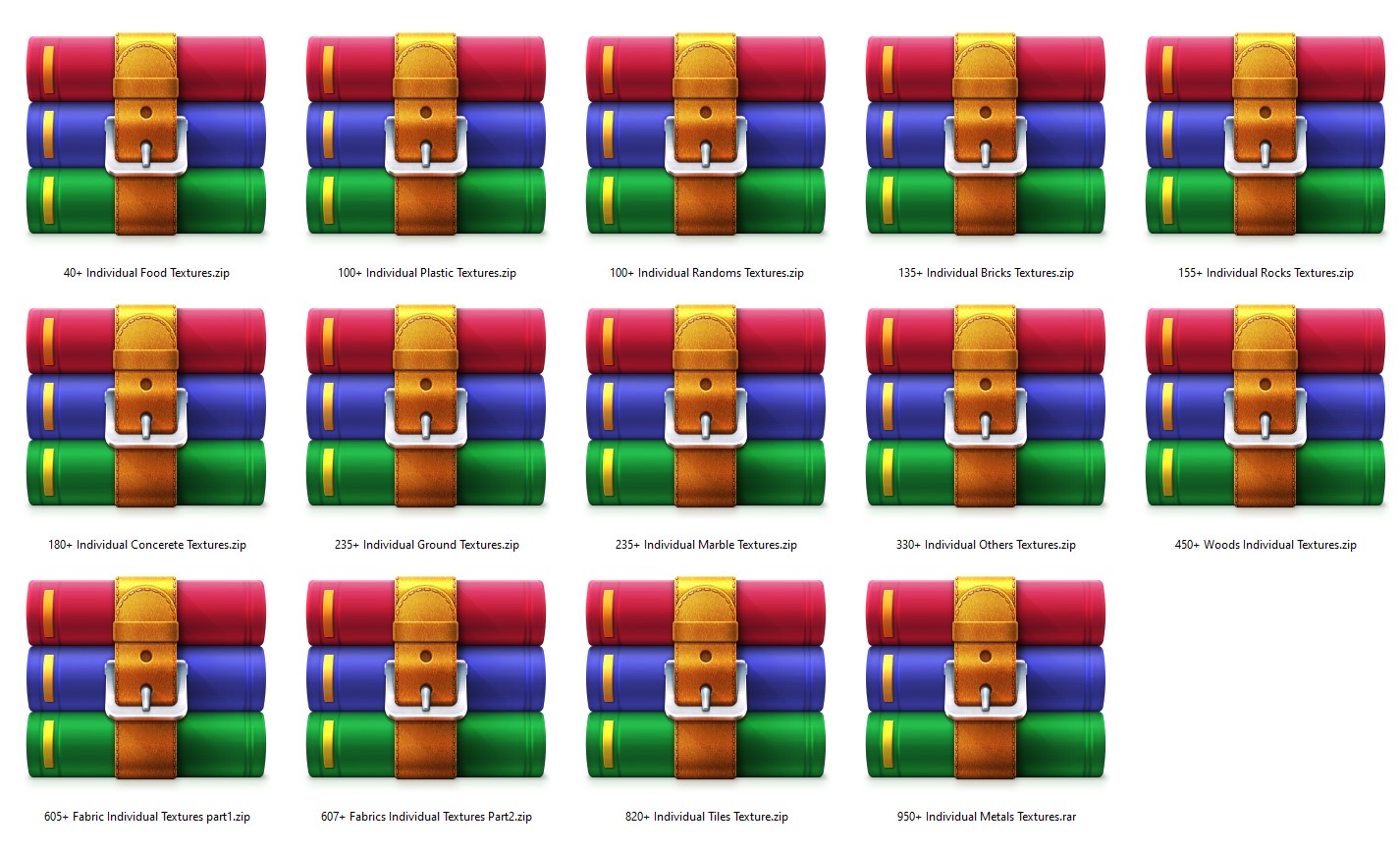
EACH MATERIAL IS INDIVIDUALLY AVAILABLE
Now every material category comes in it's own folder, including .blend file a thumbnail and it's textures that can be used in any 3D software.
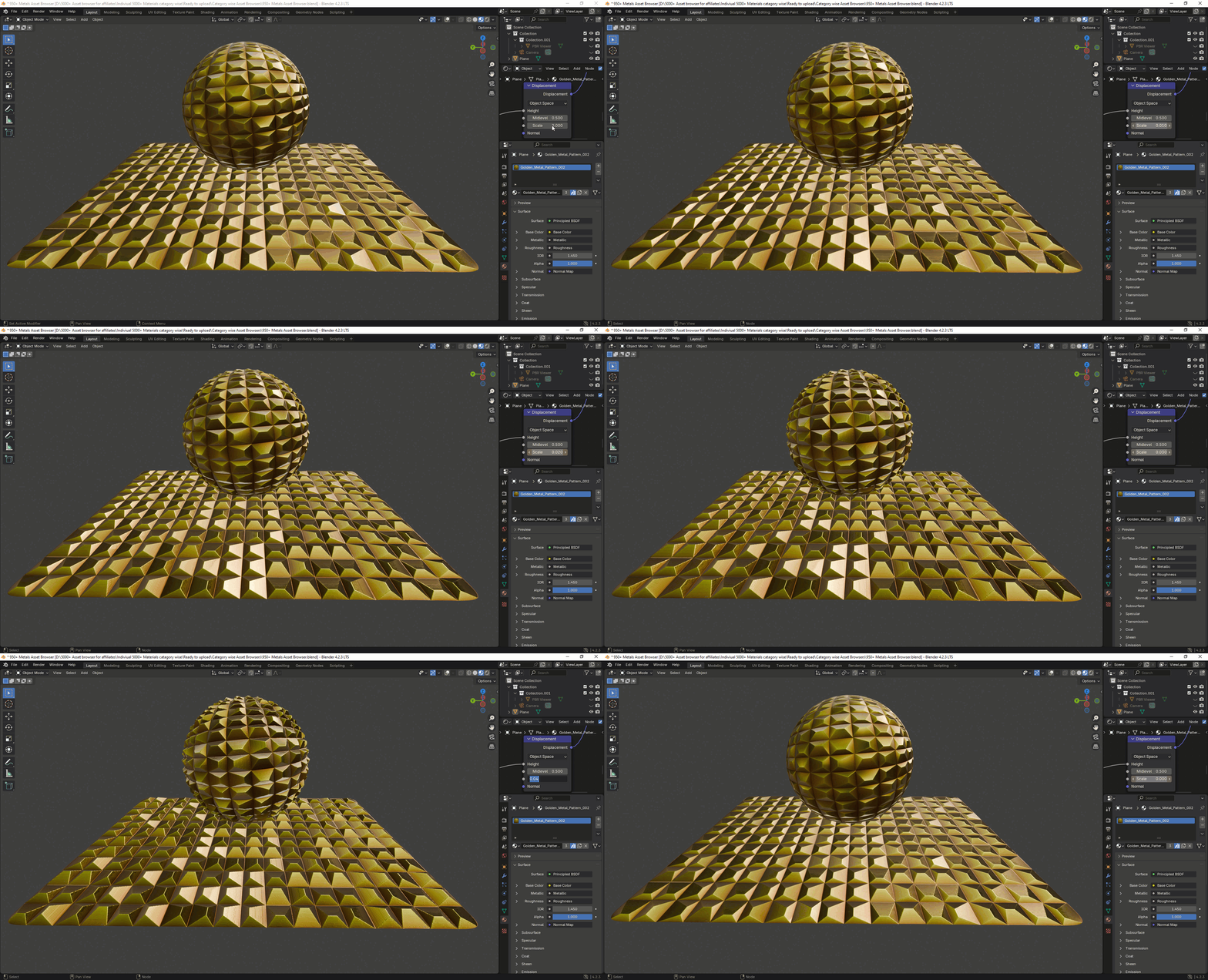
PERFECTED FOR EEVEE & CYCLES - READY TO USE DISPLACMENT
With the arrival of displacement support in Eevee, we’ve kept our product up to date by refining the entire library’s displacement maps to perfection, providing you with a ready-to-use solution.

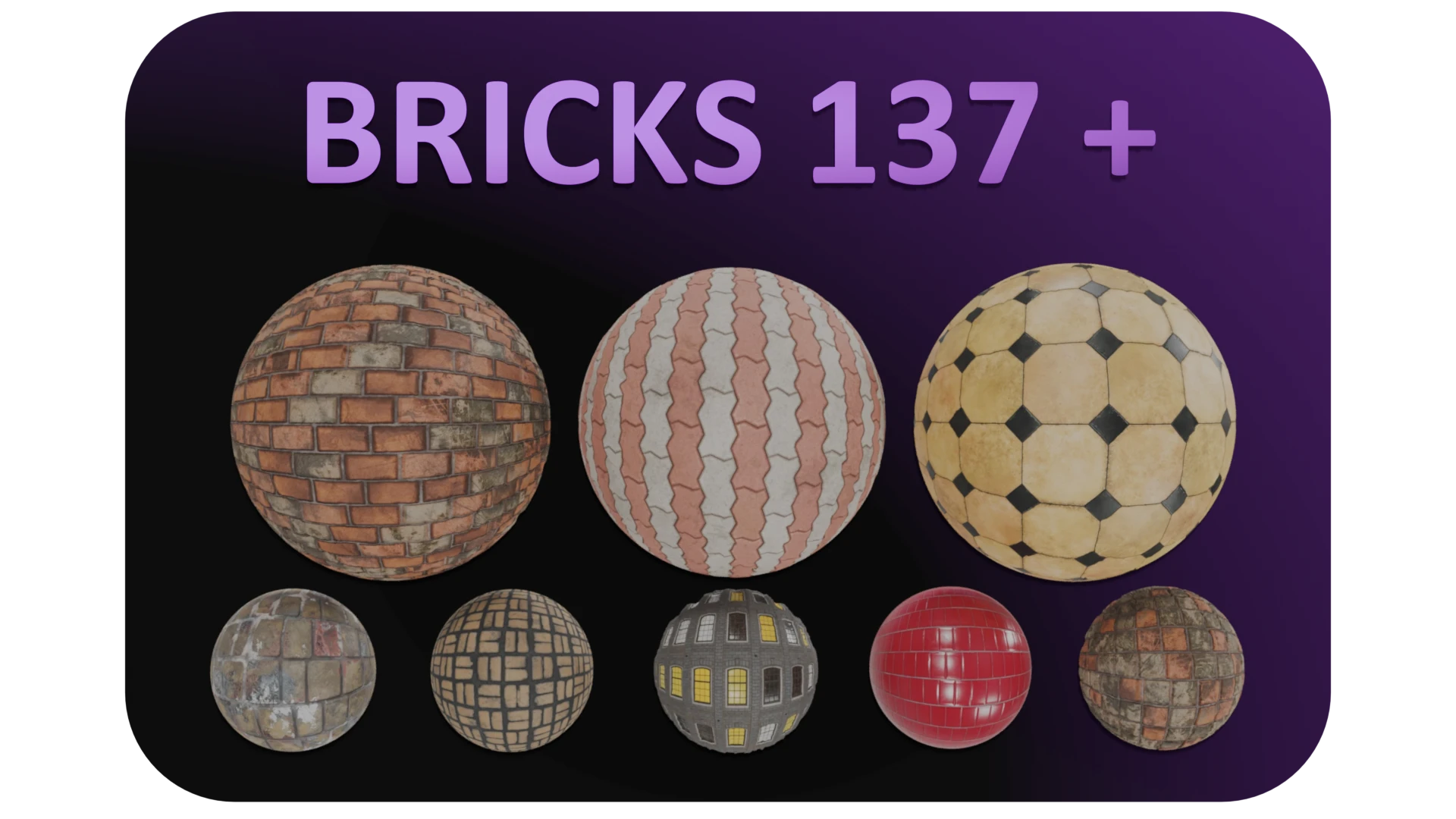
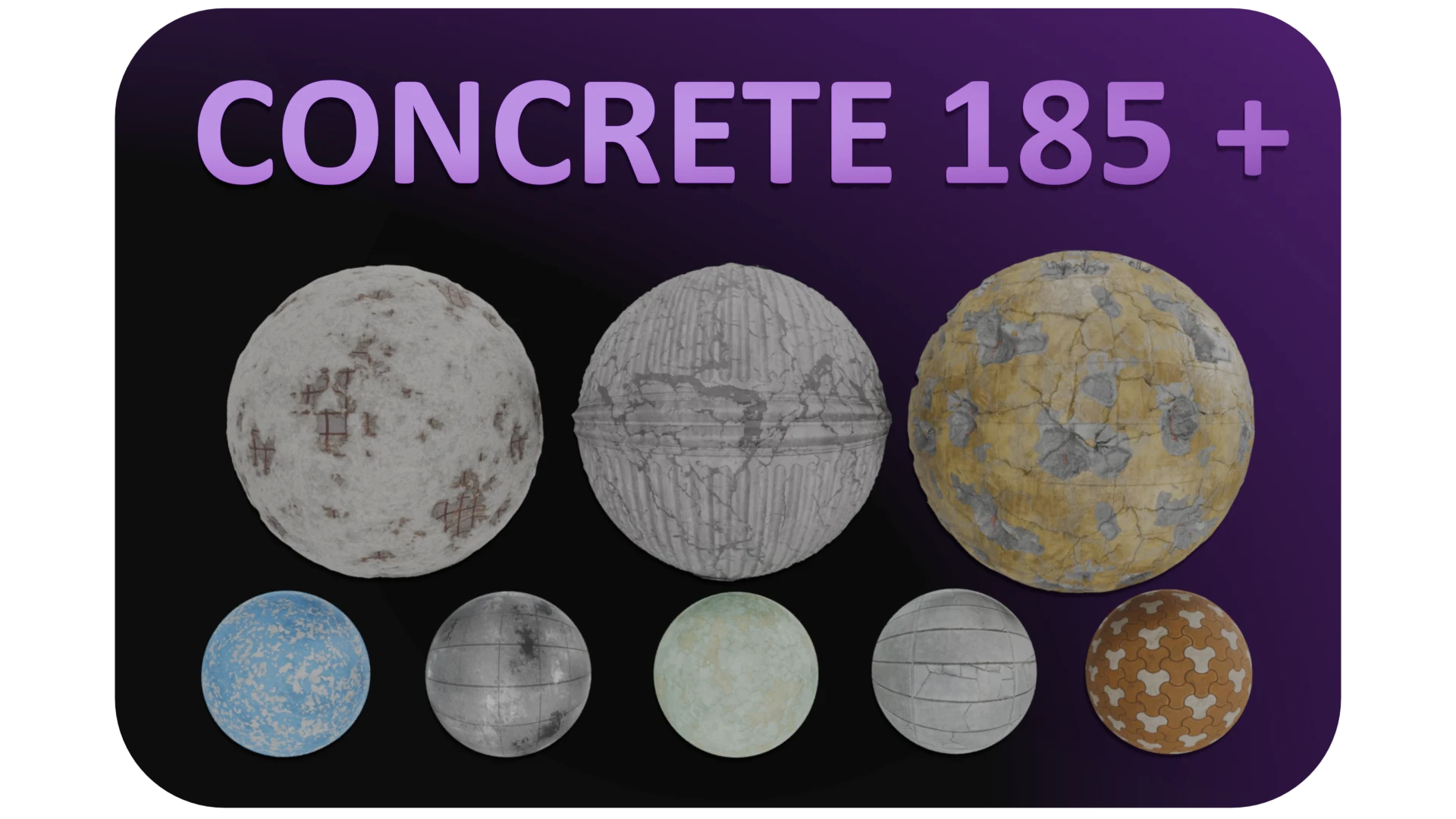
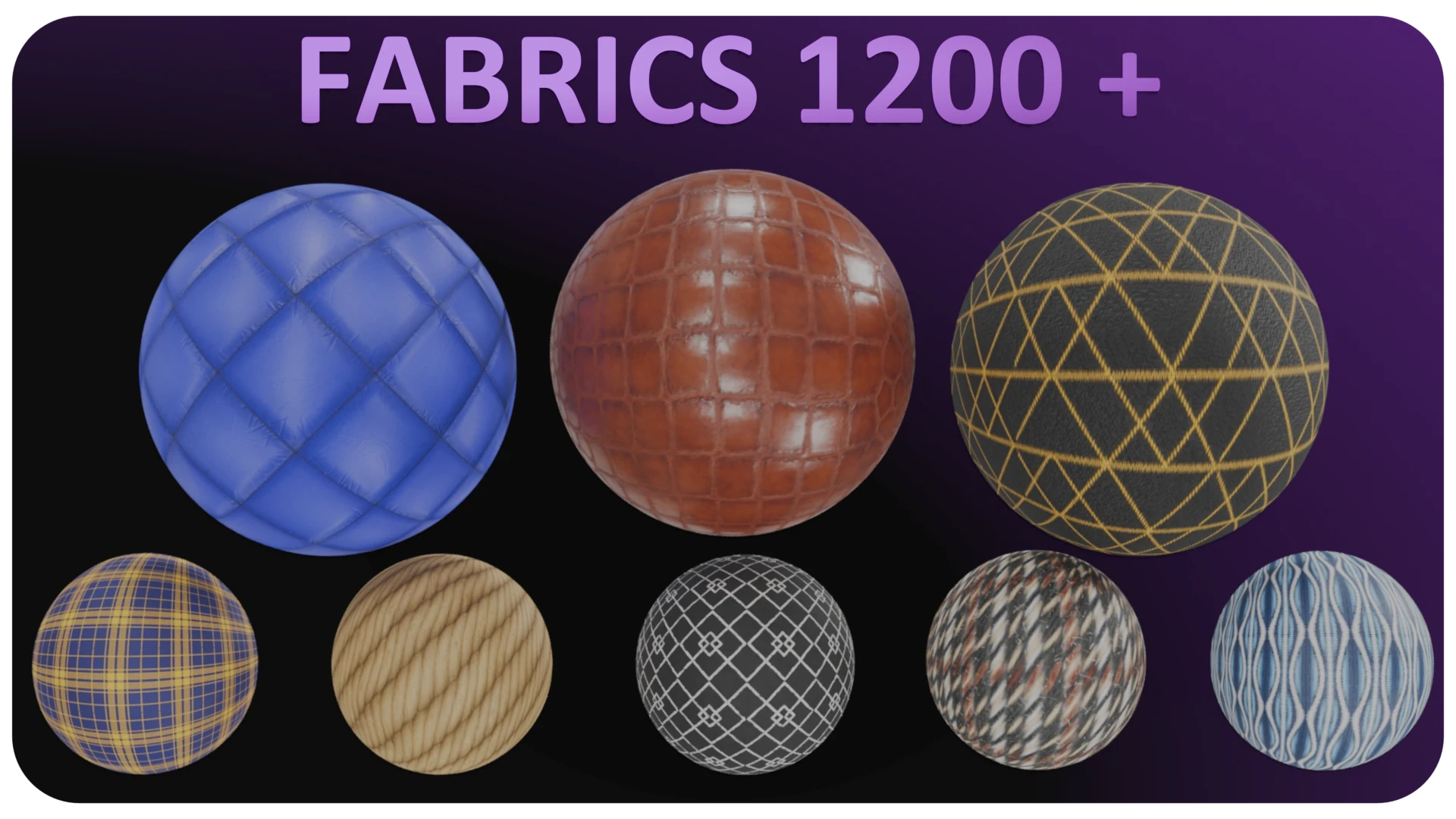
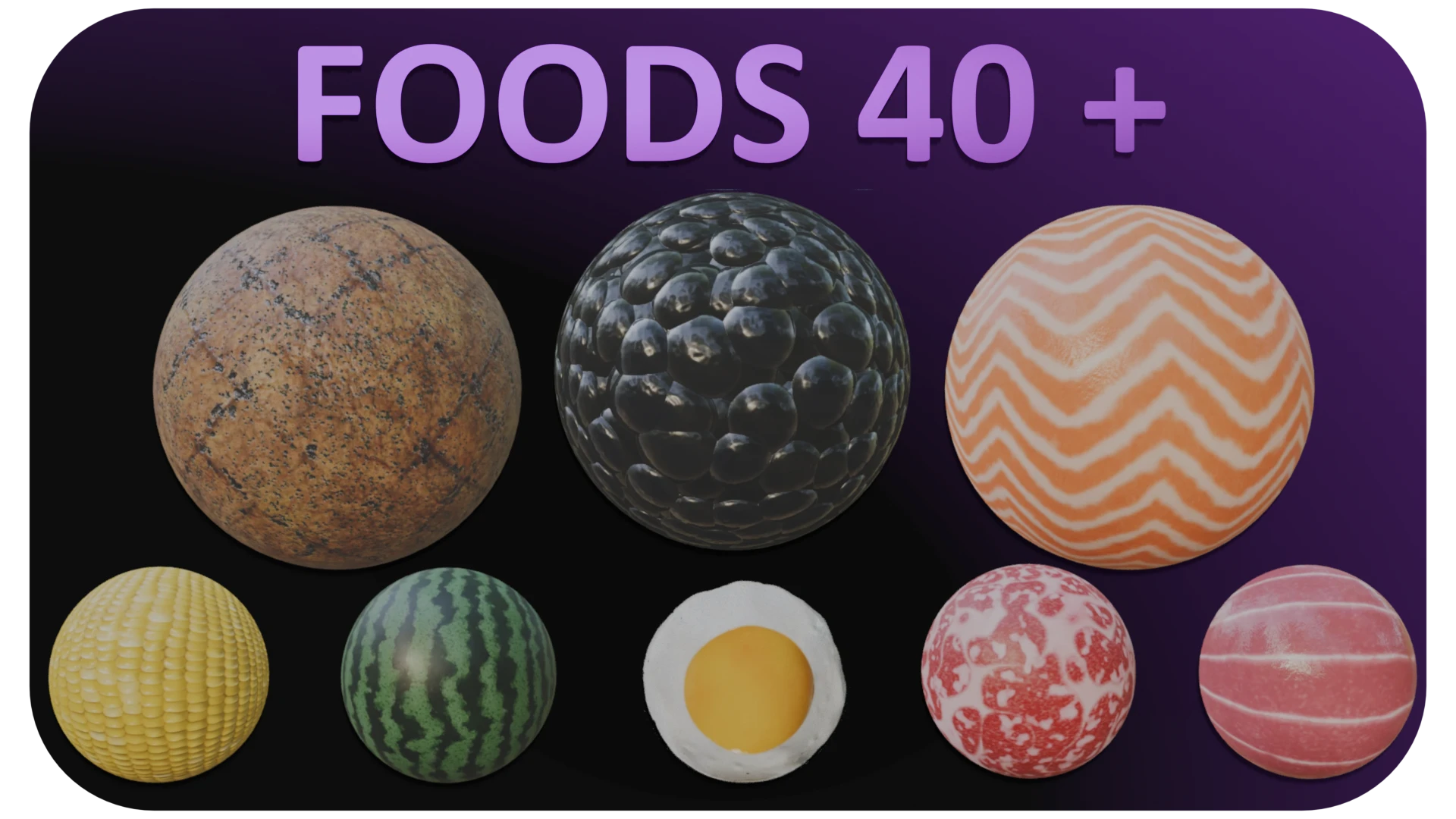
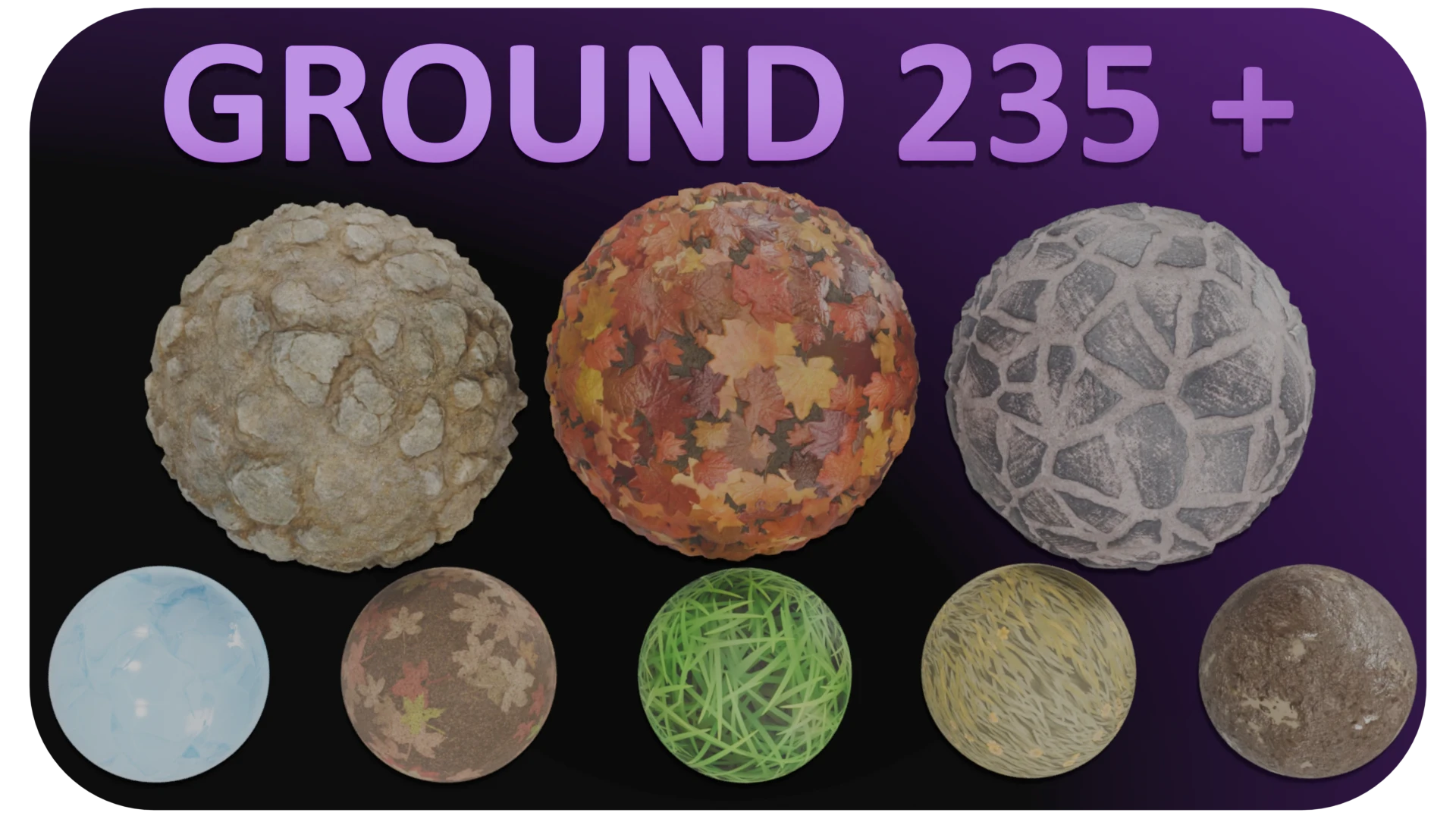
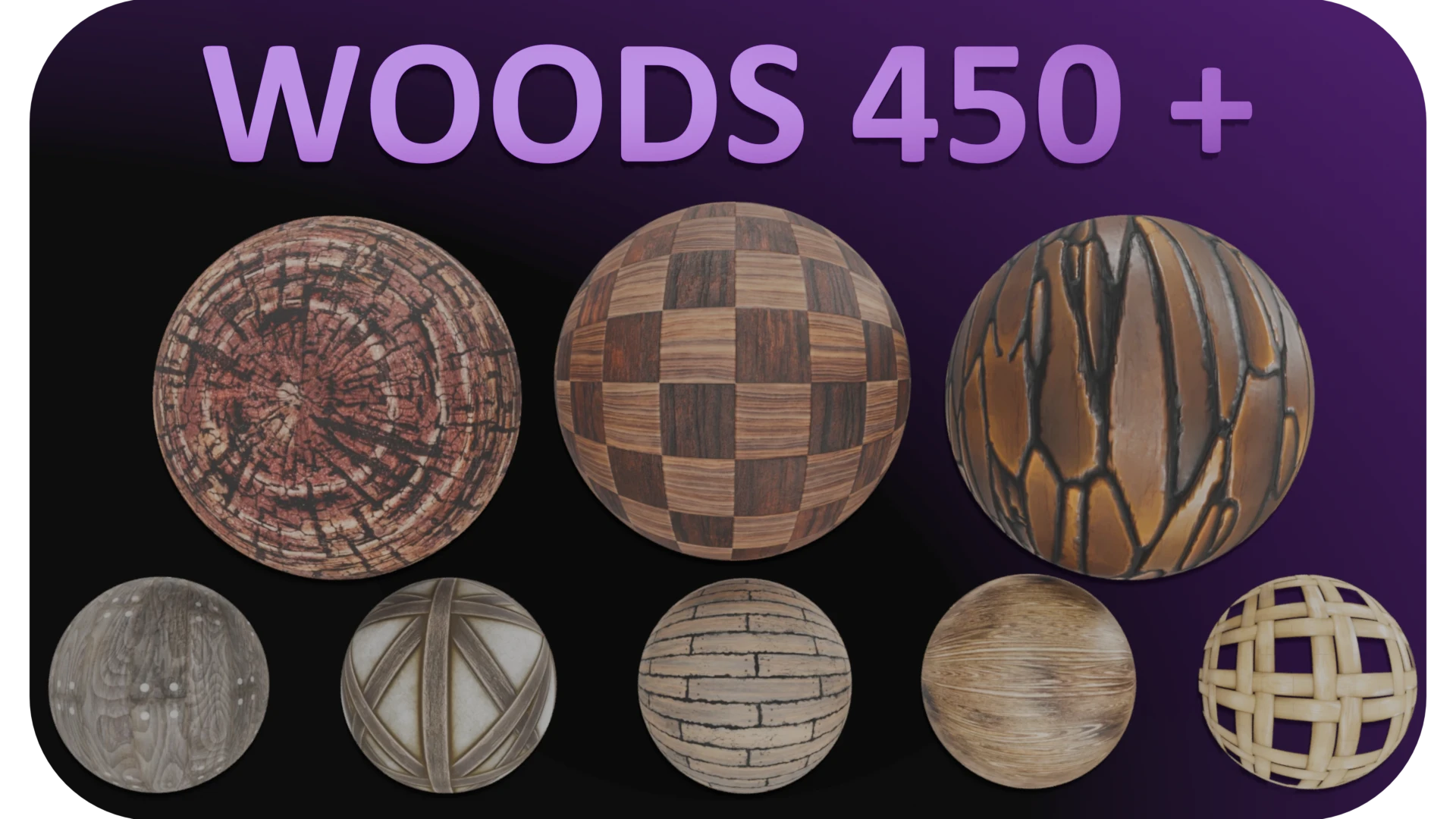
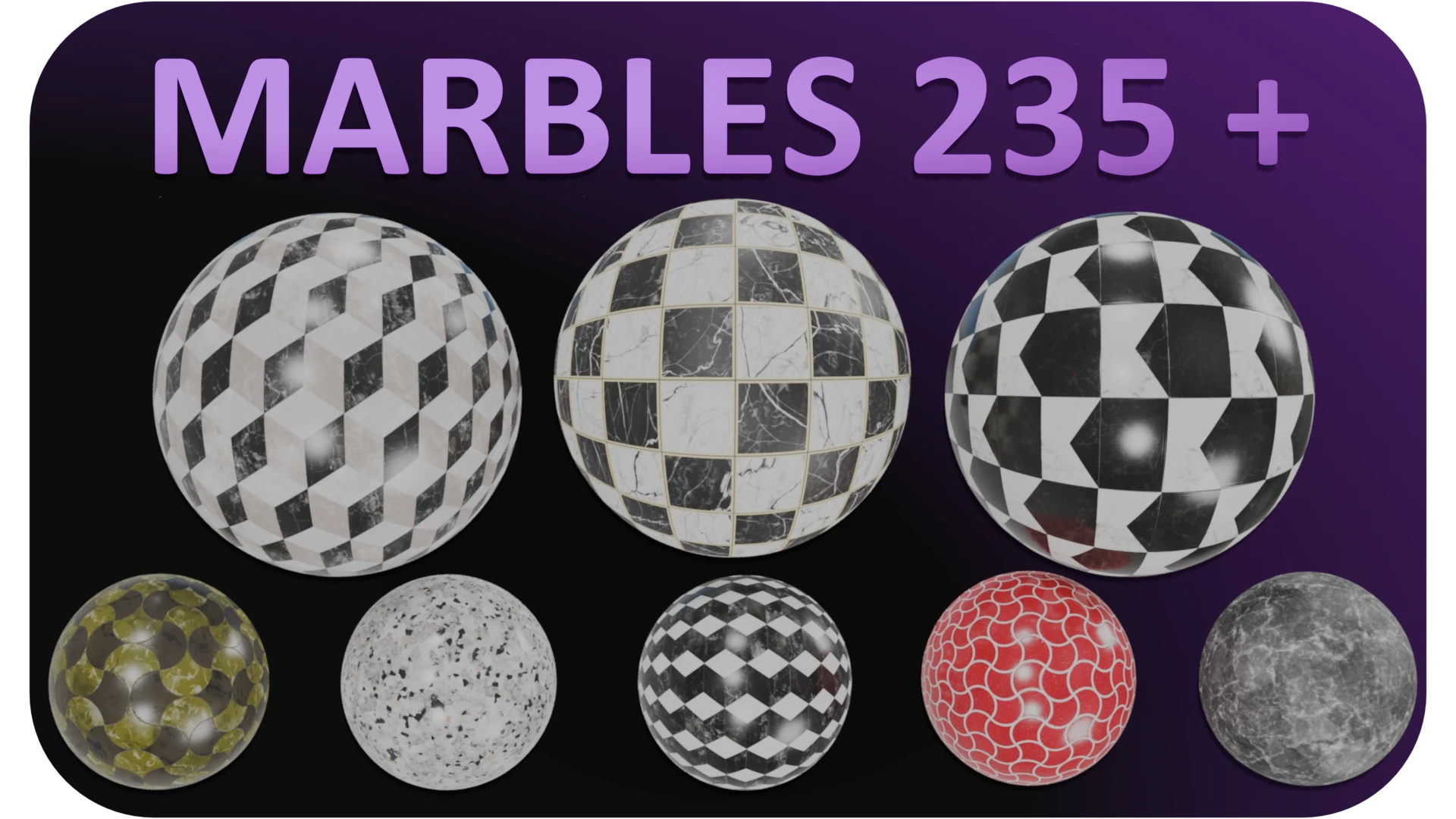
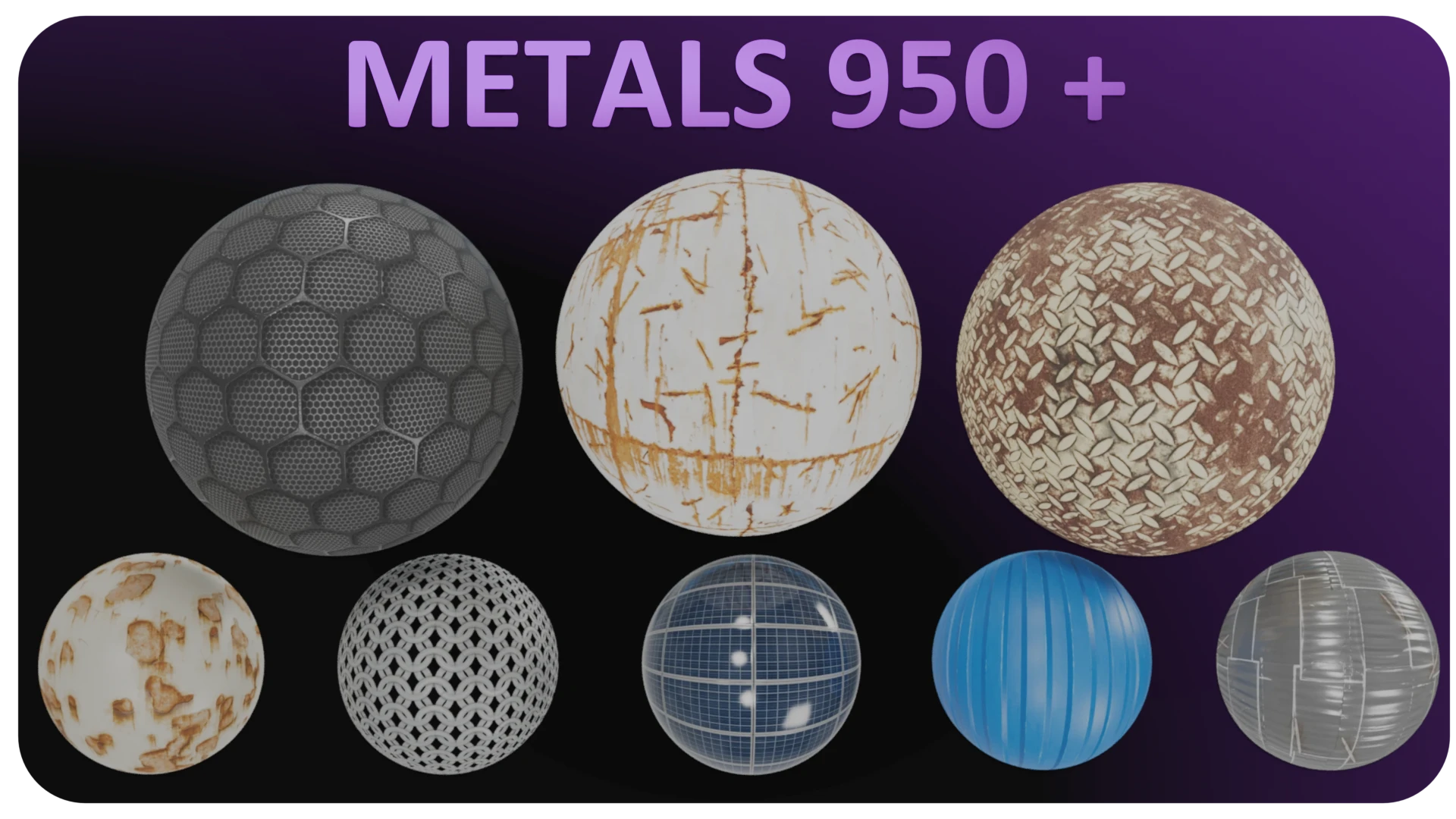
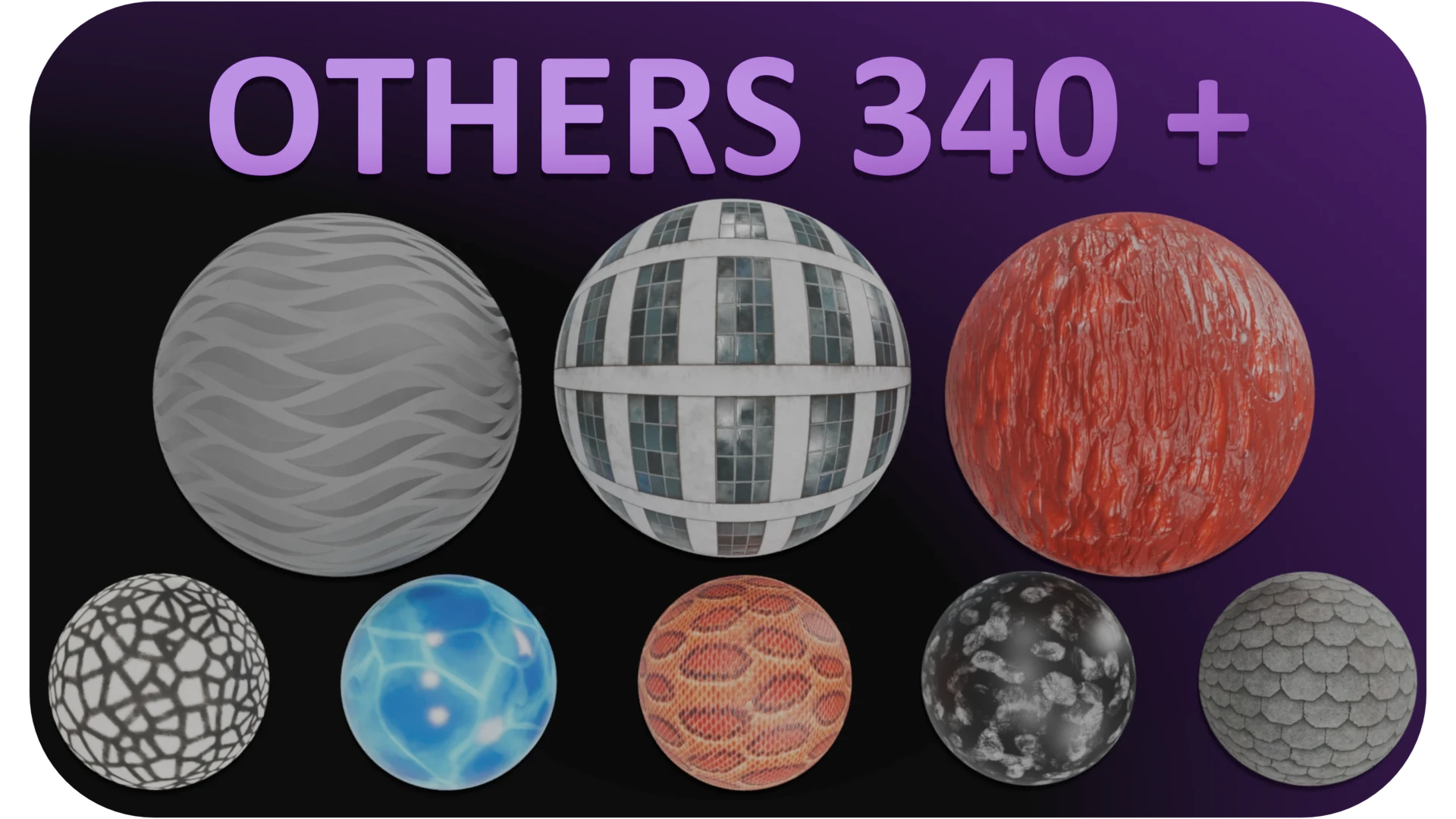
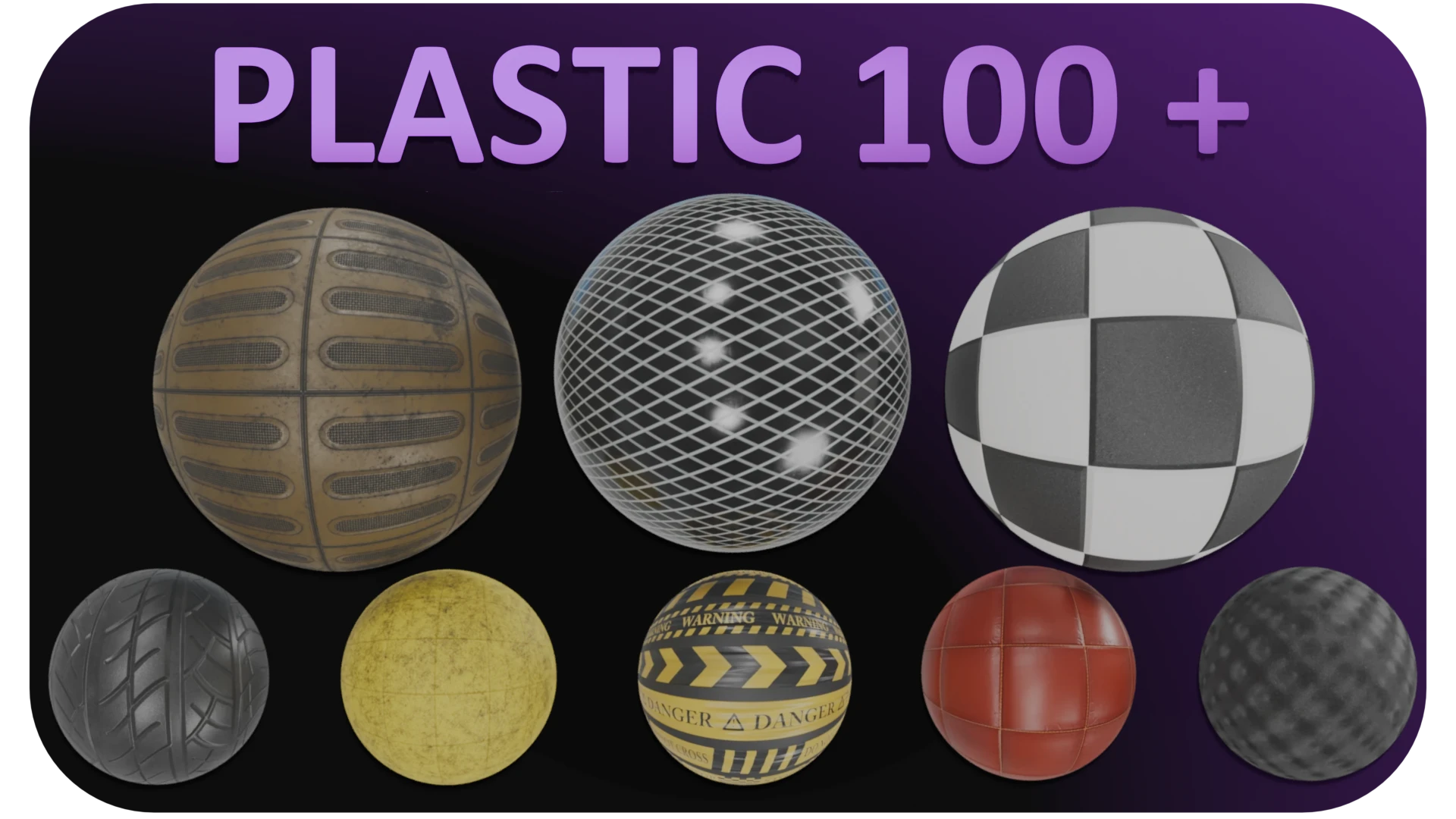
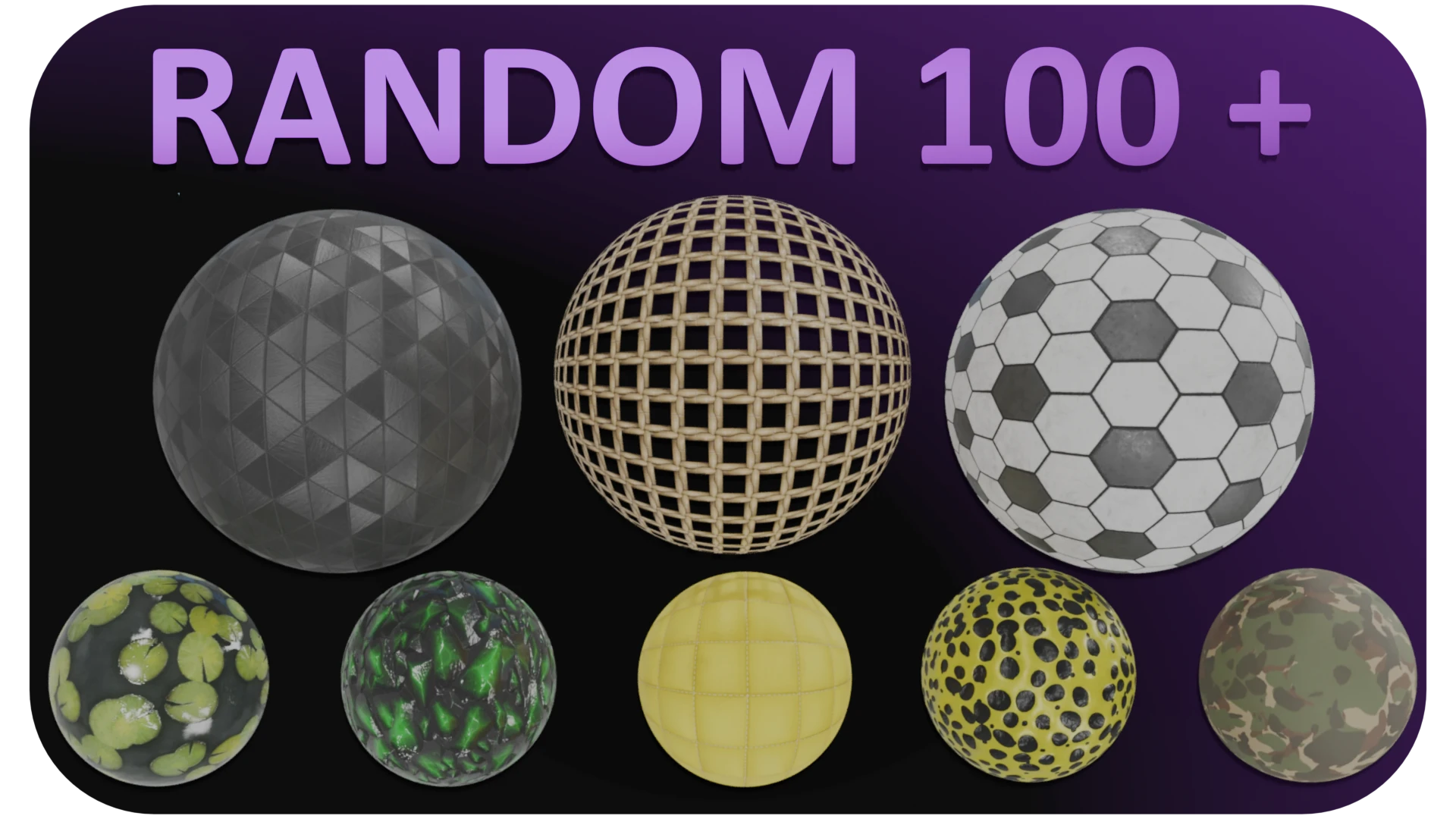
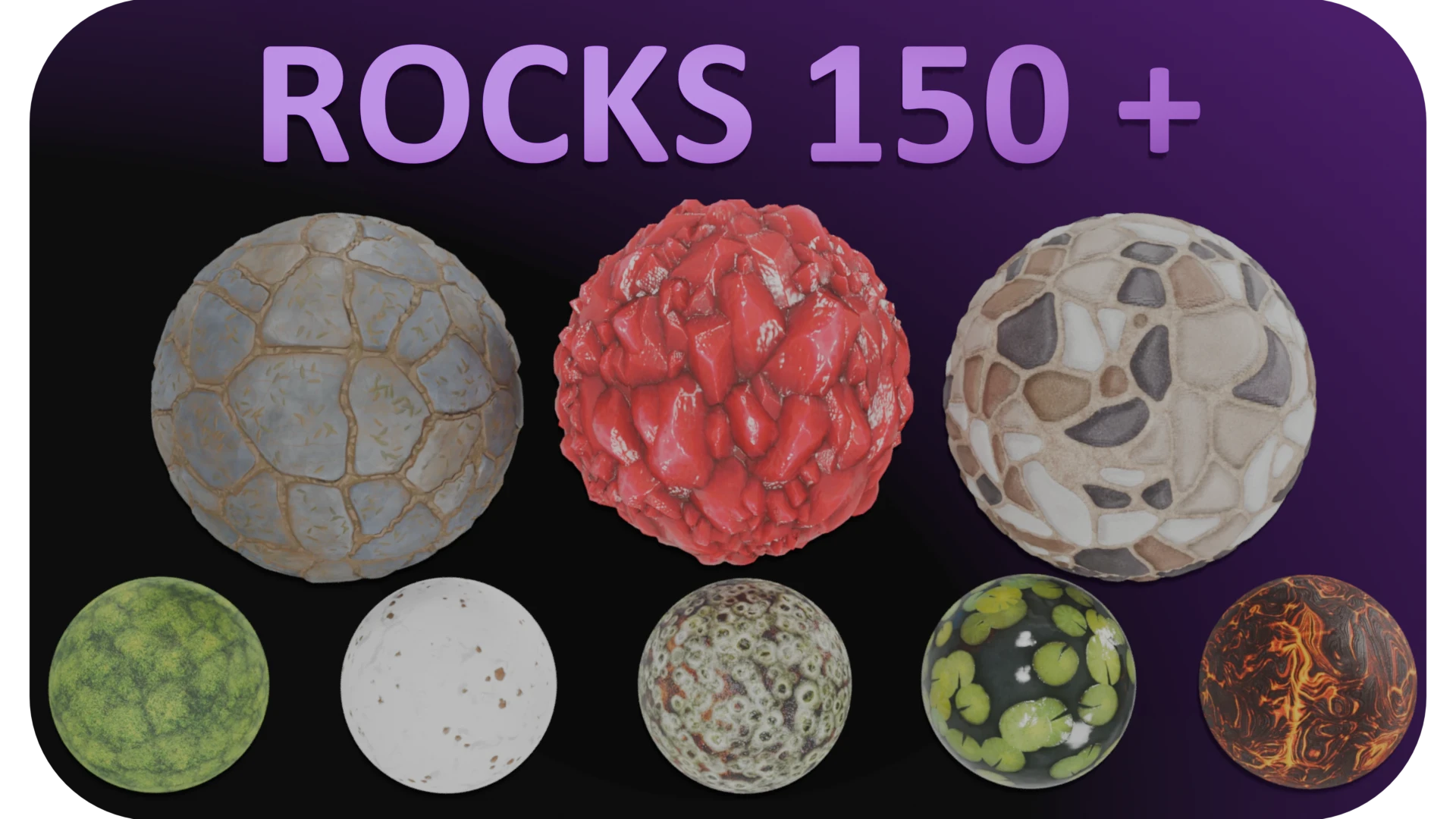
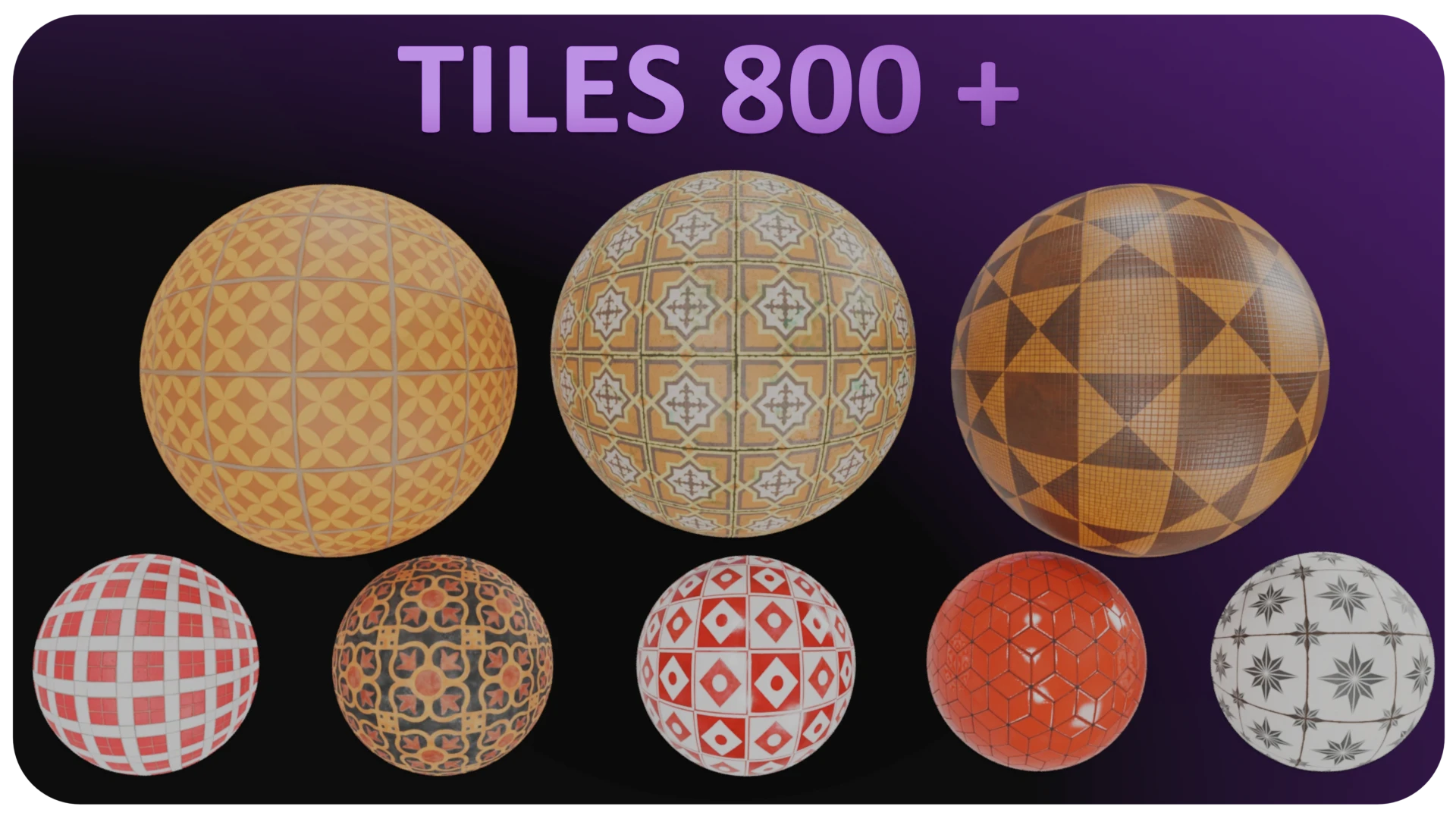
PBR Maps
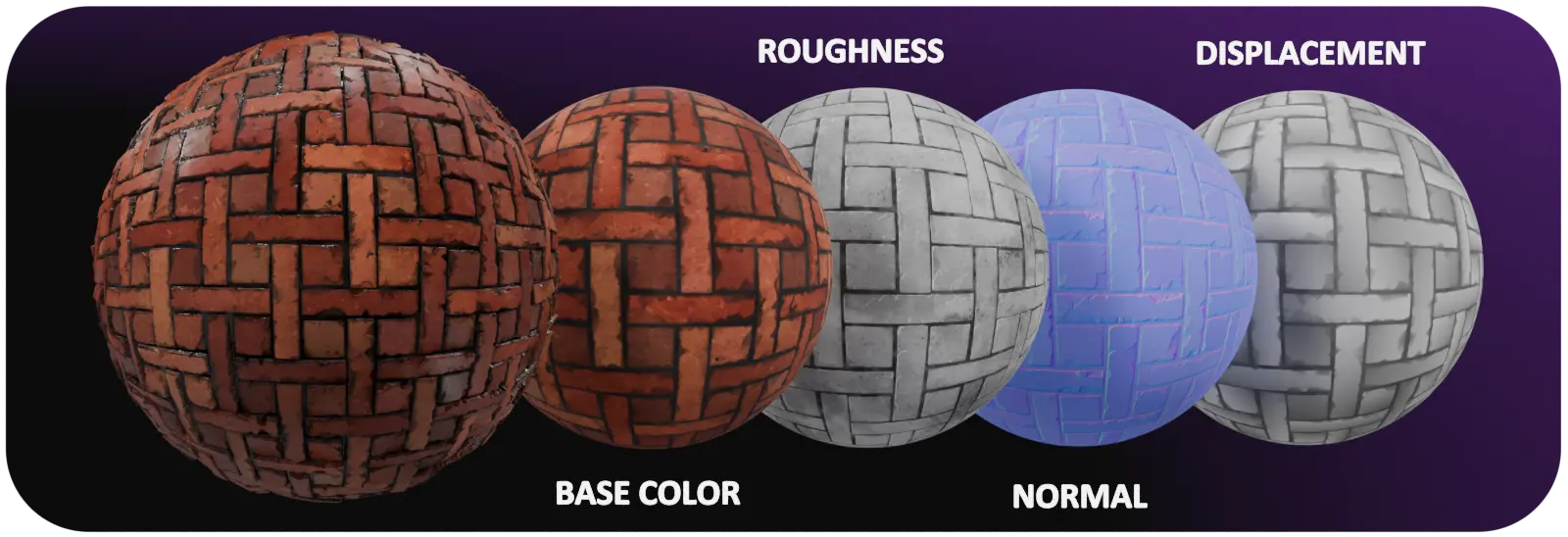
Each material has BaseColor, Roughness, Normal and Displacement map. Metallic and Opacity Maps are added where Necessary
All Textures are 2K Resolution and JPG Format to Keep Quality and Quantity Perfect.
Free Future Updates
Small Team, Mighty Vision
When we started, we had less than 1,000 materials—but with relentless effort, day and night, we grew to 2,000 materials… and now, we’ve built the world’s largest Blender PBR Material Library with 5000+ incredible materials! 🎉But we’re not stopping here—we aim to reach the moon or hit the stars! 🌙✨
From the very beginning, we’ve kept this premium-quality library at an extremely affordable price, ensuring that beginners, students, professionals, and even big enterprise studios can access and experience top-tier materials without limitations.
5-star feedback has fueled our journey, and as a thank you, we remain committed to delivering free future updates as bonus—because for us, this isn’t just a product, it’s a mission! to support blender lovers.
We participate monthly in making donations, but we think this is not enough, so if you would like to donate even just 1 coffee per month you are welcome.
Thanks To Texturecan/AmbientCG/3dtextures.me
&
BLENDER DEVELOPMENT
What Our Customers Say
⭐⭐⭐⭐⭐
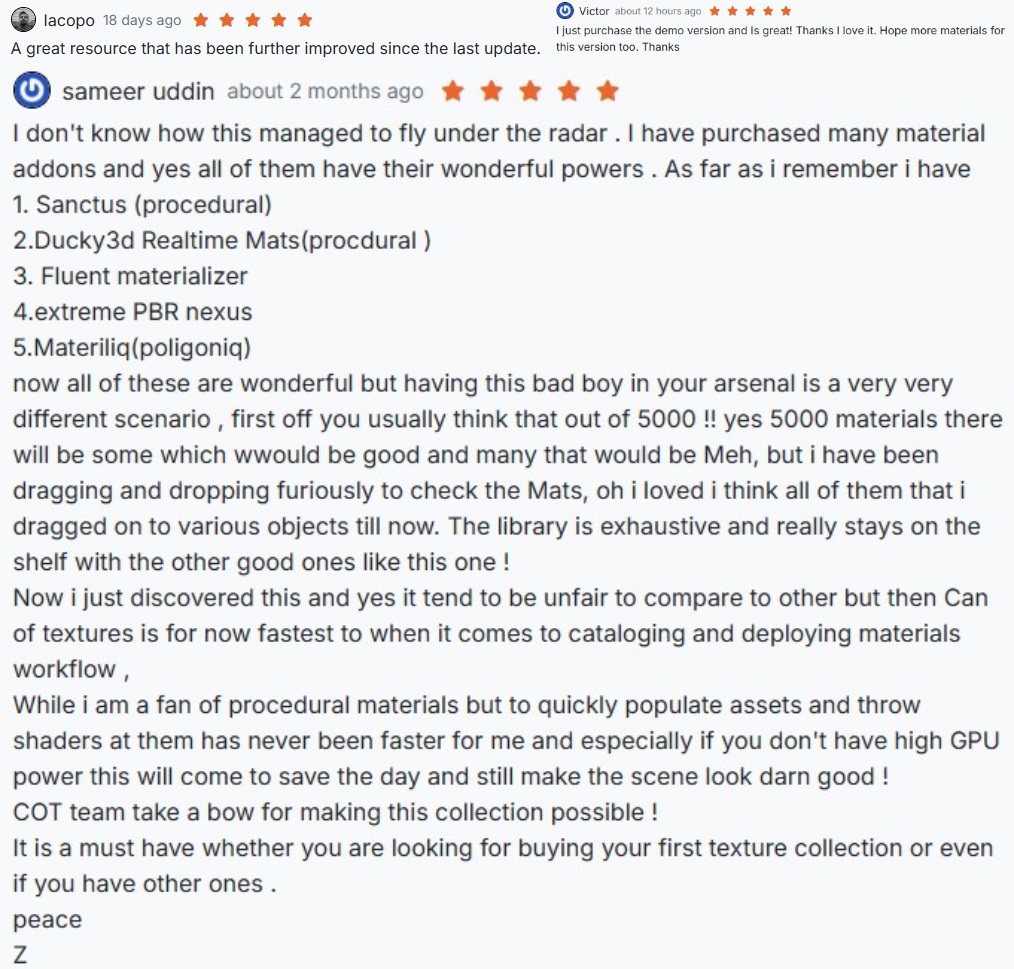

Help and Support
If you have any suggestions/questions contact us, we are very happy to answer! you are always welcome!
Customer support is important
⭐⭐⭐⭐⭐
After Purchase you can use These materials in Personal as well in commercial work lifetime.
500+ Procedural Blender Materials
One native Asset Browser library. Every material fully procedural, fully customizable, and ready to drag straight onto your objects — no addon, no node building, no waiting on renders that never quite look right.
Built for archviz, product renders, motion graphics, and everyday Blender work.
Get your free gift on Gumroad
Why Procedural Beats Textures
No texture maps to manage, no resolution limits, no visible tiling. Just clean node-based materials that scale to any camera distance and keep your file size small.
🪶 Lightweight Files
No bulky image textures baked in — your scenes stay fast and portable.
🔍 Infinite Resolution
Zoom in as close as you want. Procedural materials never pixelate or blur.
🎛️ Full Node Control
Every material opens in the Shader Editor with clear, editable nodes — not a black box.
🚫 No Repeating Tiles
Randomized patterns mean no two renders look copy-pasted.
Built for EEVEE & Cycles
Every material in the library renders correctly in both engines (a small number of glass materials are Cycles-only). Switch engines mid-project without redoing your shading.

Change the Look in Seconds
Most materials expose color and pattern controls right at the top level of the node group — swap a look without hunting through the graph or replacing the material entirely.

Control Materials Effortlessly
Dial in color, scale, and pattern in seconds — every material stays fully editable, right down to the node.


One Library, 12 Categories
Wood, environment, synthetics & others, metals, glass, planets, toon, walls & floors, fabric, car paint, food, and more — organized so you always know exactly where to look.

Wood

Environment

Synthetics & Others

Others

Metals

Glass

Planets

Toon

Walls & Floors

Fabric

Car Paint

Food
Example Renders
A look at these materials in real scenes.


See the Detail Up Close
Zero Setup Friction
Delivered as native Blender Asset Browser .blend library files. No addon, no panel, no code to install. Mark the folder as an Asset Library once, and every material is one drag away from your object.
Perfect For
🏠 ArchViz
Realistic wood, metal, tile, and glass for interior and exterior renders.
🎬 Animation & Motion Graphics
Fast-rendering procedural shaders that hold up across thousands of frames.
🚗 Product Visualization
Studio-ready car paint, metals, and plastics for hero shots.
🎓 Students & Hobbyists
Drag, drop, and render — no shader knowledge required to get a great result.
Personal & Commercial Use Included
Every material in this library — both the original pack and the newly added set — is cleared for personal and commercial use with your purchase, so you're free to use them in client work, portfolios, and paid projects.
Up and Running in Under a Minute
- Download & Extract — unzip the file to reveal the
.blendlibrary files and category folders. - Choose a Location — move the files to a permanent folder (e.g.
D:/BlenderAssets/ProceduralMaterials/). - Open Preferences — in Blender, go to Edit > Preferences > File Paths.
- Add Asset Library — click +, name it, and point it to your folder.
- Save Preferences.
- Start Dragging — open the Asset Browser, select your new library, and drop materials straight onto any object.
Common Questions
Do I need an addon?
No. This is a native Blender Asset Browser library — just point Blender to the folder.
Will this slow down my scene?
No texture maps means smaller files and faster load times compared to image-based material packs.
Can I use these commercially?
Yes — your purchase covers both personal and commercial use across the full library.
What Blender version do I need?
Any recent version with Asset Browser support (Blender 3.0+). EEVEE Next users get full displacement support automatically.
Free Forever Updates
This is just the current milestone — we're actively expanding the library, and every future update is free for existing customers. Buy once, keep growing.
We've Got Your Back
Questions, install issues, or just want a tip on getting the most out of the library? Reach out any time — real support from a small team that actually reads your messages.
⭐⭐⭐⭐⭐ Trusted by Blender ArtistsQuestions or Suggestions?
Join our Discord — we're a small team and we actually read and reply to everything.
🎟️ Use code v4sale for 30% off | Students use v4student50 for 50% off
This pack was collaborated with Al-Dezel